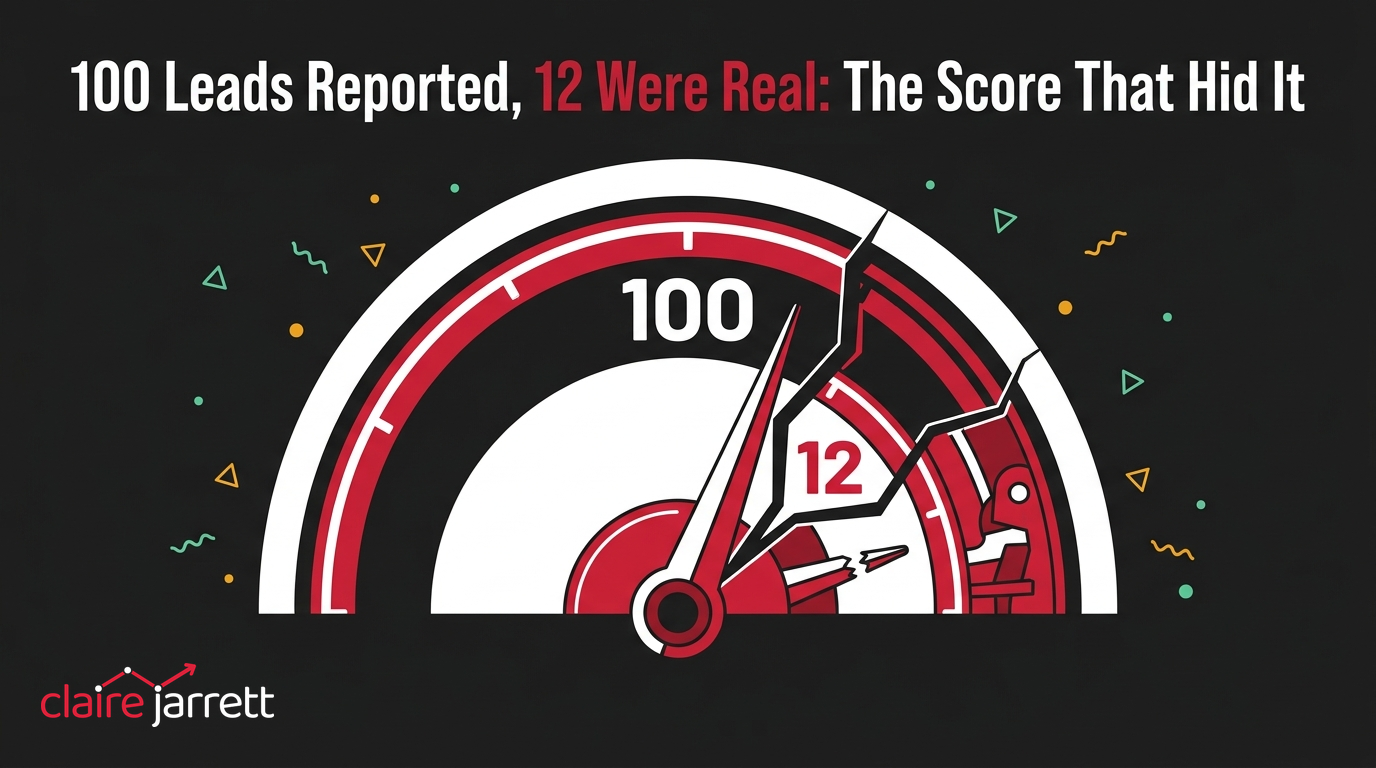
100 Leads Reported, 12 Were Real: The Score That Hid It
I had a call recently with the co-owner of a small HVAC franchise who’d been paying an agency $5,800 a month to run his Google Ads and his local listing together.
He wasn’t being difficult about it. He genuinely wanted to understand where the money was going, and he’d started keeping his own rough tally against what the agency sent him.
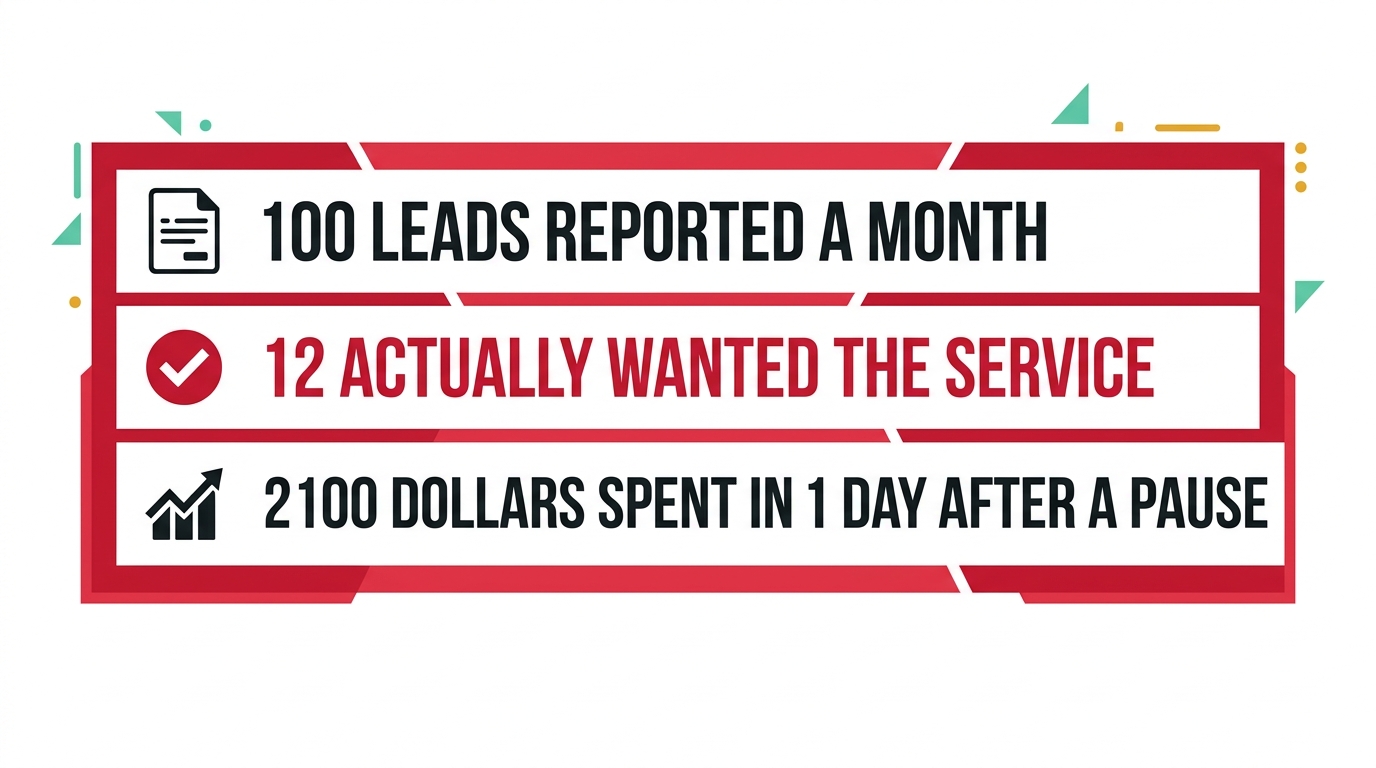
Every month, the report said the same thing: around 100 leads generated.
Once we actually opened up the lead scoring, about 12 of those 100 had anything to do with heating or air conditioning.
The other 88 were scored as a “match” anyway.
Why a match score tells you nothing about fit
The system behind those leads scores every one from 0 to 100, based on how closely the words in a search lined up with the words in an ad.
That is a measure of word overlap. It is not a measure of whether the person wanted an HVAC callout.
A search for a repair job in a completely unrelated trade had been scored 100%, because enough of the surrounding words matched. The owner wasn’t selling that service, and he didn’t want that lead.
The system didn’t know the difference, because it was never built to know it. It was built to find word overlap and report it back as a win.
A 100% match score only tells you Google thinks the words lined up. It says nothing about whether the person wanted what you actually sell.
Why the budget emptied itself in the final days of the month
The owner had noticed something else. Every time he paused the campaign and switched it back on later, the same thing happened: it would burn through $2,100 in a single day.
His agency’s explanation was that Google’s own pacing was racing to hit a monthly spend target. Pause partway through the month, and whatever’s left gets rushed back out the door before the month closes, whether or not it finds anyone worth finding.
That explanation is half right. A paused campaign that restarts with days left on the clock and a monthly budget still largely unspent will chase volume over quality to close the gap, because volume is the fastest way to use up what’s left. Nobody had ever told it that closing the gap wasn’t the point.

How to check your own lead scores against reality
- Ask for the scored list, not just the total. If your agency or platform scores leads from 0 to 100, ask to see the bottom-scored ones alongside the top. A system that can’t show you the difference between a 20 and a 90 isn’t actually scoring anything useful.
- Read 10 of your own “matched” leads in plain English. Not the score, the actual search term or enquiry. Count how many genuinely wanted what you sell. That number, not the scored total, is your real lead count.
Signs the account is being run on autopilot
- No visibility into the raw account, only a monthly report. If you’ve never logged into your own Google Ads account, you have no way of checking any of this yourself, the same gap who owns the account is built to catch.
- 1 shared budget covering every job type you do. An emergency callout and a routine service plan are worth very different amounts to the business. Lumped into 1 pot, the searches that are cheaper and worth less to the business will always win the budget first.
The bigger point
Nobody sat down and decided to report 100 leads knowing 88 were worthless. The scoring system was built to make the volume look good, and it did exactly that.
That’s the part worth checking before you ever argue about price with an agency. A PPC consultant should be able to show you, in 1 sitting, how many of your reported leads actually wanted what you sell.
Every wrong lead you let through as a “win” is also a signal you’re sending Google to go and find more exactly like it. That’s as true of a match score as it is of a conversion goal.
This is also where AI reading the account earns its place, not replacing a PPC consultant but sitting alongside one: a model that opens the actual lead list and asks “did this person want an HVAC callout?” catches this in minutes. A model that only reads the headline count of 100 repeats it back with confidence.
If you want to know what your own reported leads are actually made of, the audit checklist covers where to look first. You know where I am.
A few questions I get asked
Is a 0 to 100 lead score a red flag by itself? No. Plenty of legitimate systems score leads that way, and the score itself can be useful context. The red flag is not being shown the breakdown behind it, or being told the number without ever seeing a single scored lead.
Should every job type have its own budget? Once there’s enough volume to justify it, yes. The work that’s worth most to your business deserves room to compete for its own budget, not a share of 1 pot with everything else.
Is it normal for spend to spike after a pause? It happens, and it’s avoidable. A properly managed account doesn’t need to race to hit a monthly number by burning budget in the final days, and pausing mid-month should never be the thing that causes it.
What’s the fastest way to check this on my own account? Pull daily spend for the last 3 months and look for spikes right after any pause. Then read 10 of your most recent leads yourself, in plain English, and count how many actually wanted what you sell.
2 ways I can help you get this right
If you want to know what your own reported leads are actually made of, book a free call and we’ll go through it together.
If you’d rather learn to read these numbers yourself before the next monthly report lands, my masterclass How to Overtake Your Top Google Ads Competitors in 8 Weeks walks through exactly that.

Claire Jarrett
Google Ads consultant since 2007, published author (6 books), and Google Partner. Claire was the first person to launch Google Ads training in Europe and has helped thousands of professional service businesses scale their leads.
More about Claire