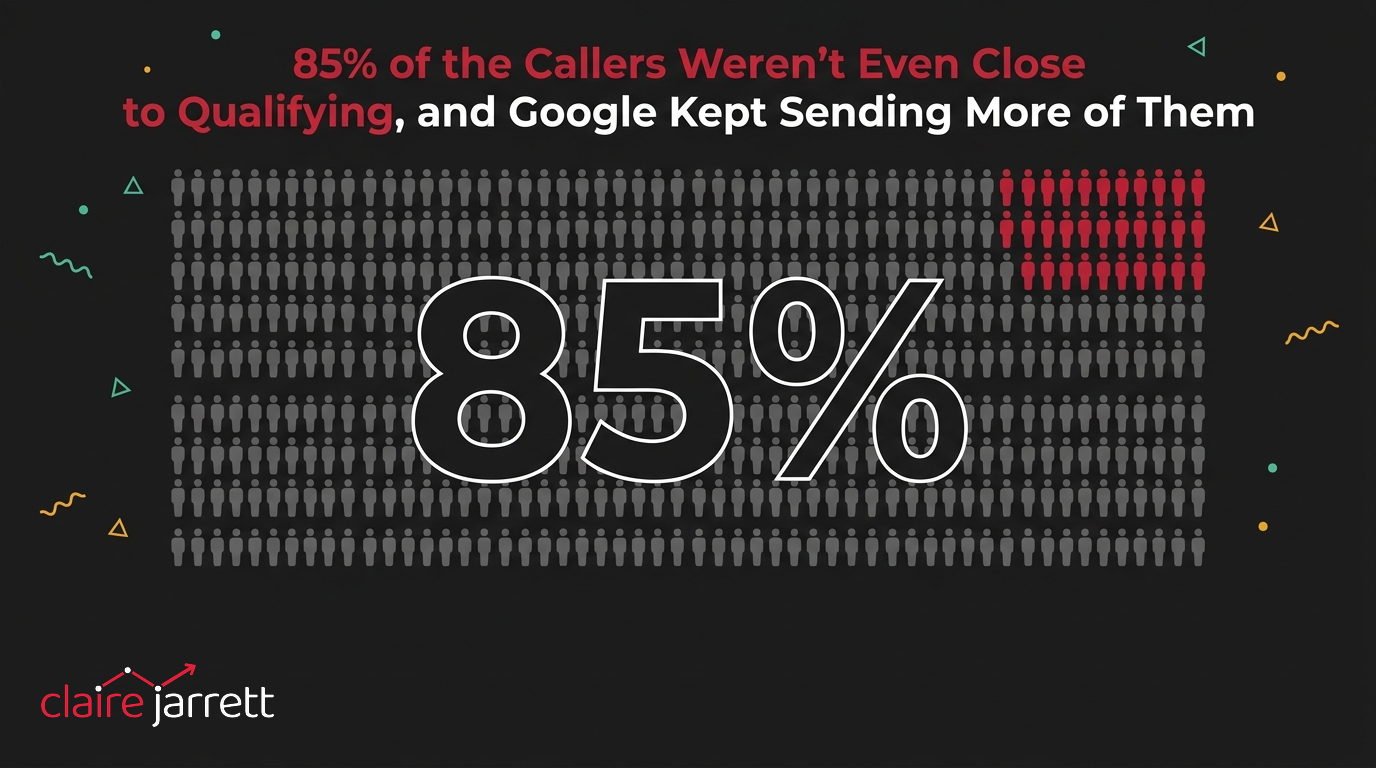
85% of the Callers Weren't Even Close to Qualifying, and Google Kept Sending More of Them
I onboarded an estate planning law practice recently that works exclusively with people close to retirement who have a substantial estate to protect. Often a business, a property portfolio, or savings built up over decades. Good problem to have, but a genuinely stressful one: a lot at stake, a big tax bill waiting if it’s structured wrong, and clients in their late 50s and 60s who needed a proper plan, not a sales pitch.
The owner told me something blunt on our first call. Of everyone who called in off the back of their Google Ads, about 85% weren’t remotely qualified. Not “not quite ready.” Genuinely the wrong person.
His team’s script for taking calls even had a specific question built in to catch it: roughly what is the estate worth, and how soon do you need this sorted? A caller in his early 30s renting a flat, with nothing to pass on yet, was a routine occurrence. Somebody the practice would redirect elsewhere within a minute of picking up the phone.
Why Google can’t tell a good lead from a bad one unless you show it the difference
Google Ads doesn’t know what a qualified client looks like for a business like this. It knows which searches led to a click and a phone call, and it treats every one of those calls the same unless you actively tell it otherwise.
Send it signal after signal that says “this converted,” with no distinction between the 62-year-old with a business to hand on and the 32-year-old just curious, and it will keep bringing you more of whoever’s easiest to get on the phone. That’s very rarely your actual client.
This account had no landing pages built for the offer, no age targeting, no income filtering. Every ad pointed at the same general page, aimed at anyone searching “estate planning attorney near me” or “will and trust lawyer.”
Broad terms like those pull in exactly the range of people you’d expect: some close to retirement with real assets, plenty who are decades out and just browsing. Google had no way of learning which of those it should be chasing, so it optimised for volume instead. Volume meant more of the 85% who were never going to become clients.
The trade-off nobody wants to make out loud
Here’s the part that’s genuinely uncomfortable for a lot of business owners: fixing this means fewer leads.
When I laid it out for the owner, that if we added filters the total number of calls would drop, he had the honest reaction most people have. Nobody wants to see the lead count go down on a dashboard, even when most of what’s inflating it was never going to buy anything.
We could literally do nothing apart from the same as the company doing this before. Bring in a ton of leads. You could tell me you’re really happy because you’re getting a ton of leads, but you’re still no further forward.
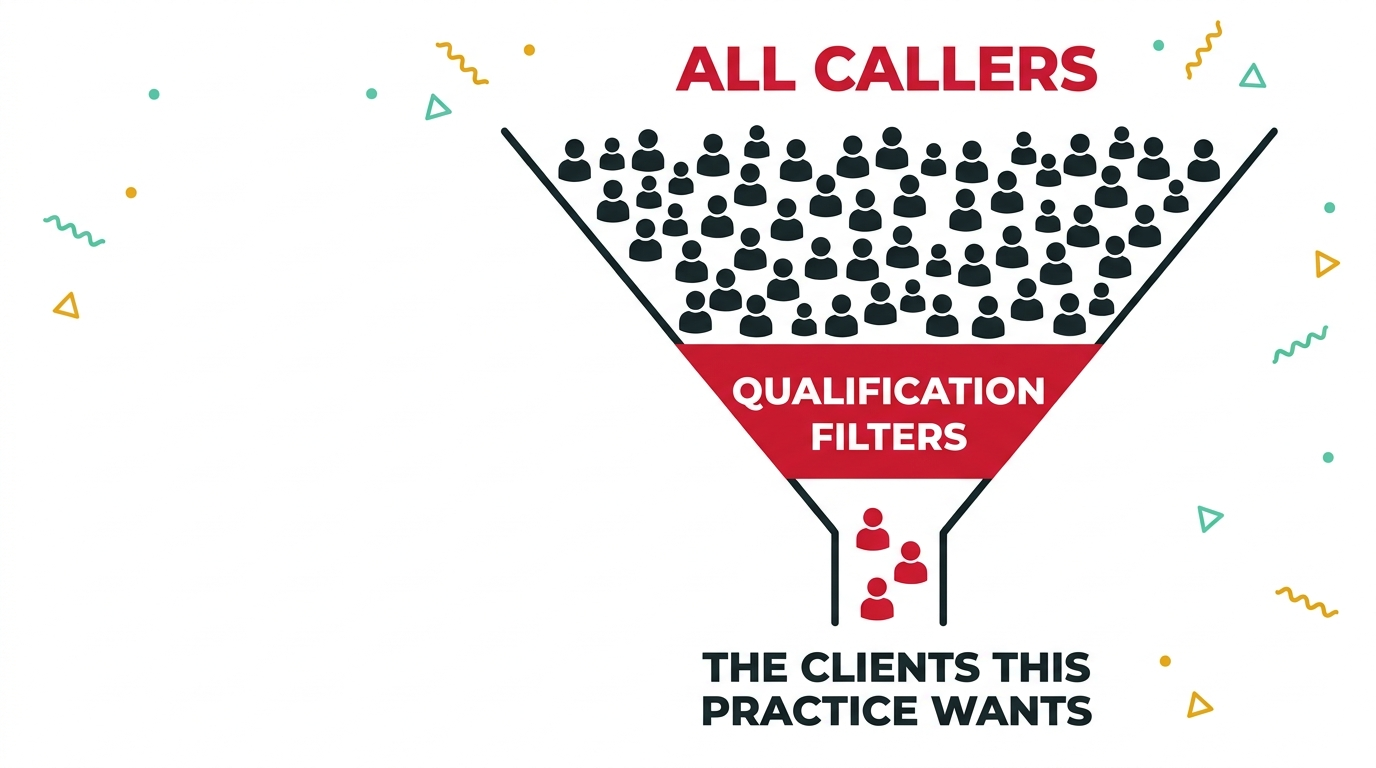
The fix here isn’t clever. It’s deciding, deliberately, to ask for less.
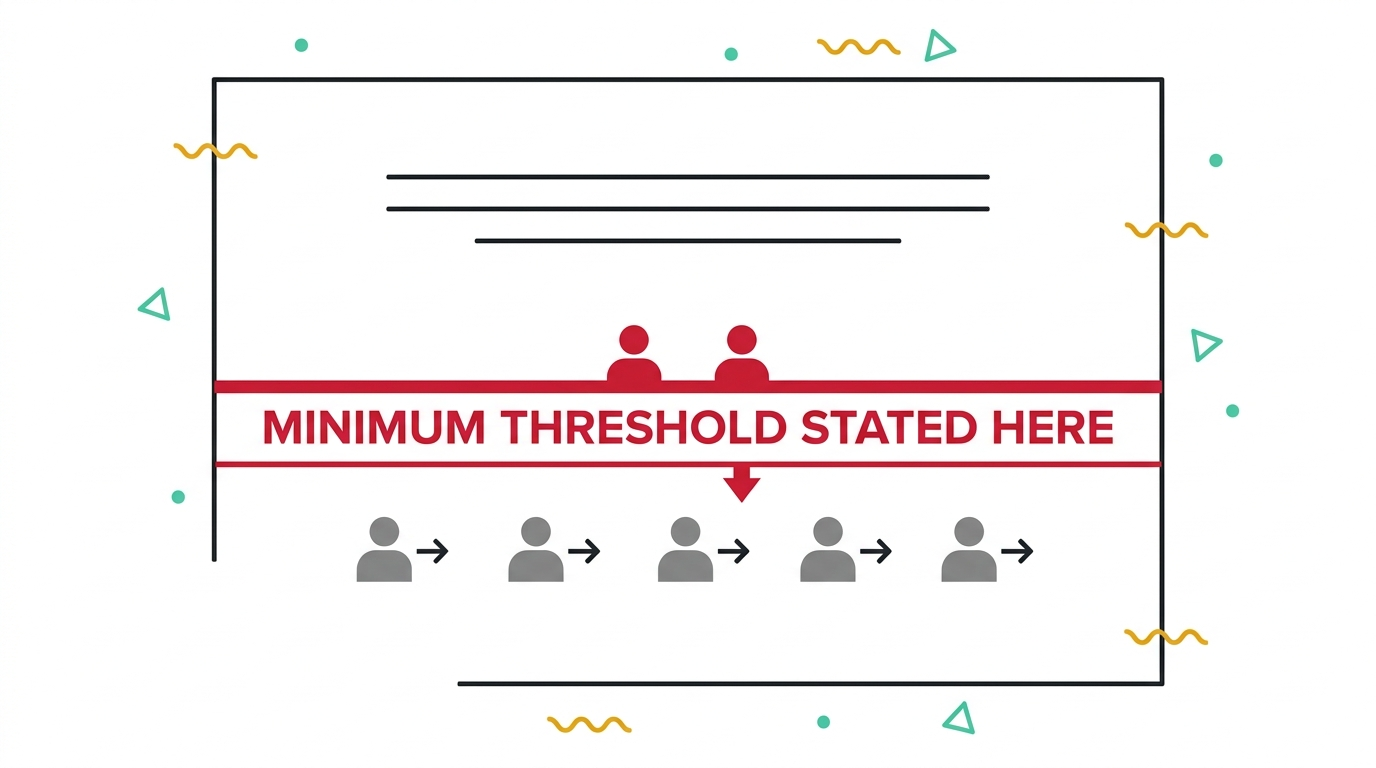
Age exclusions on the ad groups, removing anyone under 50. Income filtering, cutting out the lower household income bands Google lets you exclude. And landing pages that state the practice’s minimum estate size plainly, so someone without that level of assets self-selects out before they ever pick up the phone, rather than a member of staff having to do it for them on every single call.
I’ve seen the same approach work well for a completely different client of mine, a career coaching business that only wants senior executives earning $175,000 a year and up. They deliberately want their cost per click higher rather than lower, because a click from the right person is worth paying more for. It’s been one of their better-performing accounts precisely because of it.
How to check whether your own account is doing this to you
- Look at what your team is actually filtering out on the phone or in your CRM, and how often. If a good chunk of enquiries are getting redirected, disqualified or written off after the first conversation, that’s not a sales problem. It’s Google being taught to bring you more of exactly what your team is already rejecting.
- Check whether your landing pages state who the offer is for, or just who it isn’t for once someone calls. A page that lets everyone in and relies on a human being to filter afterwards is training the algorithm on the wrong signal every single time. State it up front instead, the way you’d want it stated to you.
The bigger point
An unqualified lead doesn’t just waste your team’s time on that one call. Every single one of them that gets marked as a conversion teaches Google’s bidding algorithm that this is the kind of person worth finding you more of.
It’s the same underlying problem behind every wrong lead teaching Google to send you more of them. Sometimes that’s a mismatched search term. Here it was an account with nothing stopping the wrong person from converting in the first place.
The fix always looks the same from the outside: fewer leads, better ones, and the nerve to hold that trade-off even when the dashboard number drops. That’s exactly the conversation a Google Ads consultant worth hiring should be having with you before they touch a single keyword. You know where I am.
A few questions I get asked
Won’t adding filters just mean I get fewer leads overall? Yes, and that’s the point. The goal was never the number of calls, it was the number of qualified ones. A practice fielding 10 calls a week with 9 of them a waste of time isn’t ahead of a practice fielding 3 calls a week where all 3 are worth having.
How do I know if my account has this problem? Ask your team, or check your own CRM, for how many enquiries get disqualified in the first conversation and why. If there’s a consistent, repeatable reason people are getting turned away, an account without any filtering isn’t asking Google to find you more of the group that qualifies.
Isn’t demographic targeting risky? What if I exclude someone who would have converted? It’s a genuine trade-off, and I’d rather make that decision deliberately with a client than let Google make it by default. You can also use negative keywords and landing page copy to do a lot of the same filtering before it ever reaches an audience exclusion, which is usually the gentler place to start.
What if I don’t know my exact qualification criteria yet? Start looser and tighten as the data comes in. Watch what’s actually converting against what your team is accepting as genuinely qualified, and adjust from there. It’s part of what I’d cover in the audit checklist before touching a live account.
2 ways I can help you get this right
If you want a second opinion on whether your account is quietly training Google to bring you the wrong people, book a free call and I’ll go through it with you.
If you’d rather learn to build and adjust this kind of qualification into an account yourself, my masterclass How to Overtake Your Top Google Ads Competitors in 8 Weeks walks through exactly that.

Claire Jarrett
Google Ads consultant since 2007, published author (6 books), and Google Partner. Claire was the first person to launch Google Ads training in Europe and has helped thousands of professional service businesses scale their leads.
More about Claire