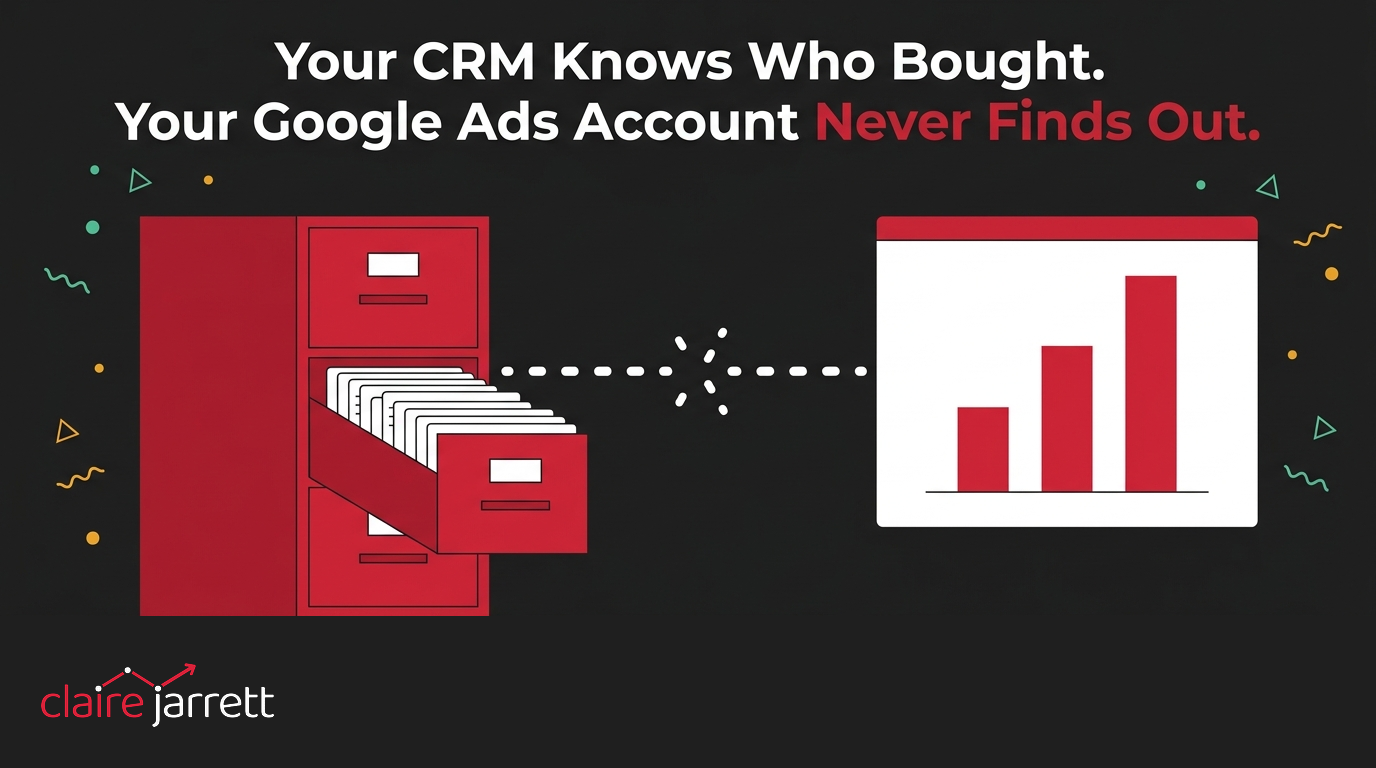
Your CRM Knows Who Bought. Your Google Ads Account Never Finds Out.
I had a call recently with the owner of an outdoor furniture business. Homeowners buy from his showroom, and a trade side sells to businesses. He was spending about $12,000 a month on Google Ads, and he’d worked it out at 7% of the company’s revenue for the year so far, which he thought was probably on the low side. I agreed. For a business trying to grow, 7% is not a lot.
Then he told me the number that actually mattered. His CRM held more than 3,500 customers, each with a name, an email address and a phone number, and every retail sale is invoiced and tracked. He’d even uploaded that list to Google as an audience. What had never gone to Google was a single sale value. Google knew 3,500 customers existed. It had no idea that any of them had bought anything, let alone for how much.
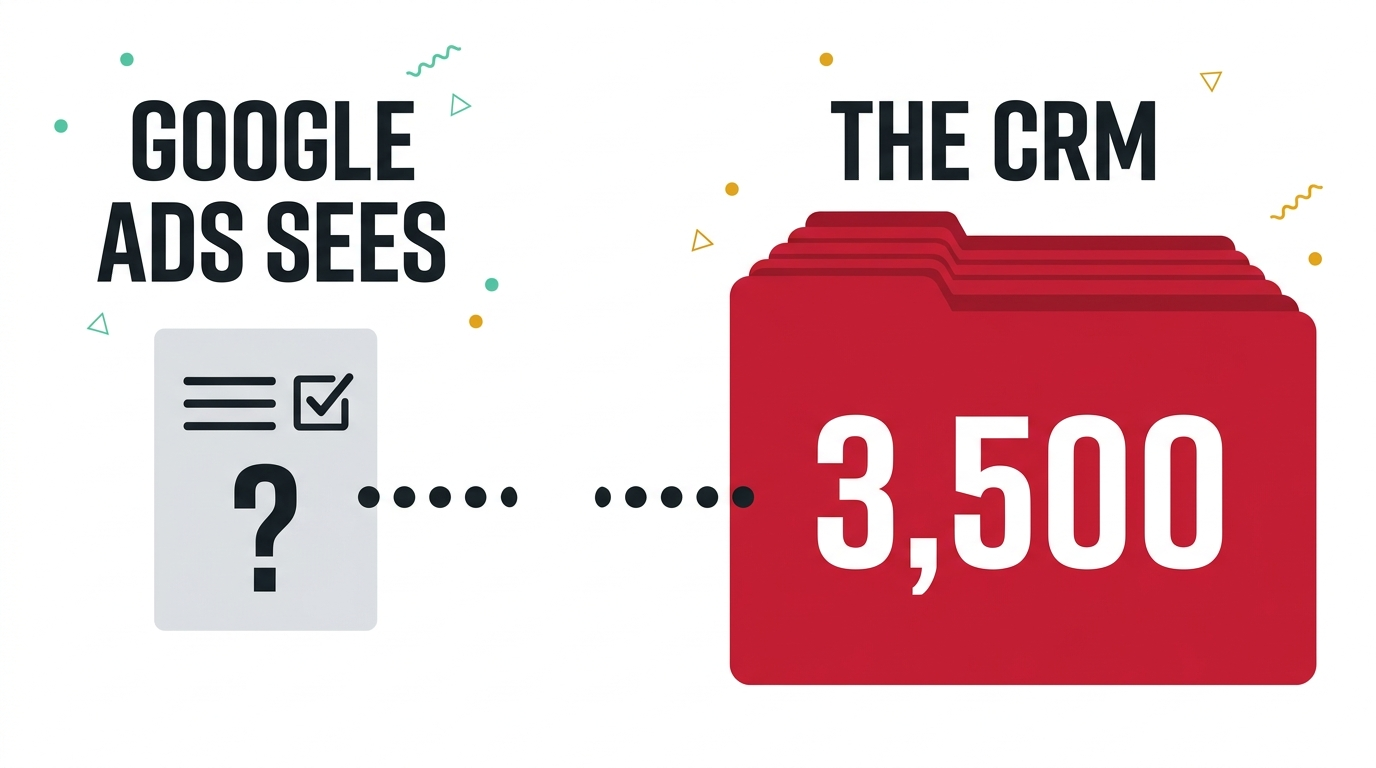
Google can only optimise for what you tell it happened
A bidding algorithm doesn’t know what a good customer looks like. It knows what you’ve told it to count. His account was counting plenty: conversions used to run at about 200 a month and were growing. On the surface, the account was improving. Retail sales over the same period were down.
A line on his screen said 38 conversions, so I asked what those 38 people had actually done. They’d downloaded directions to the showroom.
For a furniture showroom, that is not a silly thing to count. If I wanted a garden table I wouldn’t fill in a form, I’d go and sit on it. Wanting people to look up directions and turn up on a Saturday is exactly right for that business, and weekend footfall was where his retail revenue came from. The problem wasn’t the action. The problem was that in the account it was worth $0, and it sat equal to a purchase. Google was being told that a directions download and a sale were the same event, and it optimised accordingly. Conversions climbed, sales didn’t, and nobody could see why, because the account had no way of telling the difference.
“It seems the more time I spend on Google Ads and optimise it, the less effective it is.”
That’s what he told me before we’d looked at any of this. It’s a common feeling when an account is optimising perfectly well towards a goal nobody actually chose.
The sale happens where Google never hears about it
Enhanced conversions were set up on the website lead forms, so Google knew when somebody enquired. The sale happened later. A phone call the office didn’t always report, a WhatsApp message somebody screenshotted and sent on, or a visit to the showroom, then an invoice. The invoice went into the CRM. And that’s where it stayed.
He’d uploaded the customer list to Audience Manager, so he assumed he’d done the job. This is the confusion I see most often. A customer list upload builds an audience to advertise to. It doesn’t tell the bidding system which of those people bought or what they spent, so it can’t optimise towards them. Those are 2 completely different jobs, and it’s easy to think you’ve done the second because you’ve done the first. As I put it to him on the call: you’re not building an audience, you’re feeding it into the conversion tracking.
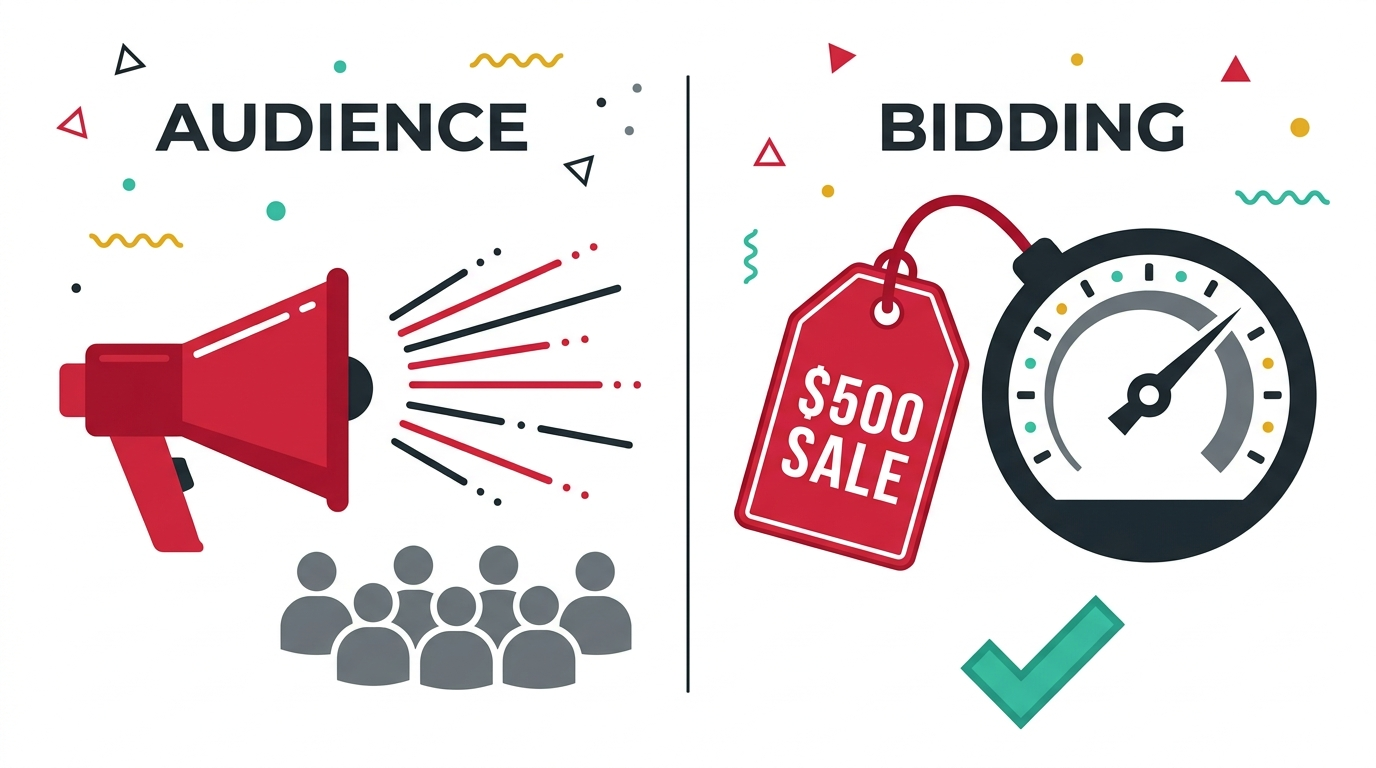
Closing the gap is a formatting job, not a tracking project
He didn’t need a new pixel or a rebuild. The email address, the phone number and the sale amount already existed in his CRM the moment an invoice was raised. The fix is to feed that back into Google on a schedule, matched to the person it belongs to, so a conversion stops meaning “somebody did a thing” and starts meaning “this campaign made a sale worth $500”. Once the account can see which campaigns produce $500 sales and which produce directions downloads, it stops treating them as identical and puts the budget where the money is.
There is a catch worth knowing before you get excited. Google can only match a sale to a click if it captured something at the time of the click: an email or phone number entered on the site, or the click ID stored in a hidden form field and carried into the CRM alongside the invoice. An anonymous walk-in can’t be matched that way. For that side of the business, the answer is a location asset on the campaigns and applying for store visits, and this account had neither.
How to check your own account for this
- Compare your conversion count to your sales count over the same month. If conversions are climbing and sales aren’t, the account has found something to count that isn’t a sale.
- Open your conversion actions and look at the value column. If a form fill, a call, a directions download and a purchase all say $0, or all say the same number, Google has been told they’re worth the same, and it will treat them that way.
- Ask whoever holds your customer data whether sale amount is ever sent back to Google. If the answer is “we upload a list sometimes”, that’s an audience, not a value signal, and it won’t do this job.
What closing the gap actually involves
- Export what you already collect. Most CRMs already hold email, phone and sale amount together. You are not building anything new here.
- Match it to Google’s offline conversion format. This is a formatting job, not a development project, and it’s exactly the sort of task I now hand straight to AI rather than a developer.
- Upload it on a schedule, not once. A single upload closes the gap for a month. A recurring one keeps closing it every time a new sale happens.
The bigger point
Most business owners assume that if Google Ads is showing conversions, the account knows what’s working. It doesn’t, not unless somebody has told it what a conversion is actually worth. The information almost always already exists, sitting in a CRM, waiting for nobody to ask it to do a second job. Have a look at whether your sale values ever make it back to the account that’s supposedly chasing them. If you’d like me to look with you, I’ll audit the account and tell you plainly what it’s optimising towards. You know where I am.
A few questions I get asked
Do I need e-commerce for this to work? No. This business had almost no online checkout and it still applies, because the sale amount was already being recorded against each customer when the invoice was raised.
Will this slow down or complicate my checkout? No, because nothing about the buying experience changes. The sale amount is uploaded afterwards and matched to the person by email, phone or click ID. Nothing new is collected at the point of sale.
How often should the data be uploaded? Often enough that the algorithm is learning from recent behaviour, not last year’s. Weekly is a sensible starting point for most businesses, daily if you have the volume to justify it.
What if my sales team doesn’t record email addresses or phone numbers? Then that’s the first fix, before any of this. You cannot close a gap with information you never collected.
2 ways I can help you get this right
If you want a second pair of eyes on whether your account is optimising towards real sales or just towards whatever is easiest to count, book a free call and I’ll have a look.
If you’d rather learn how to build and defend an account like this yourself, my masterclass How to Overtake Your Top Google Ads Competitors in 8 Weeks walks through exactly this kind of fix.
If this sounds familiar, you might also want to read about dashboard conversion counts, sales that weren’t strangers, or wrong-fit leads. If a stale bidding target is part of the problem too, this is what that looks like, and here’s why I’d rather see your cost per click go up. For the full list of what a proper account review should cover, there’s the PPC audit checklist. If you’re weighing up whether AI should be doing any of this for you, start here, and if you’d rather have someone else own the fix, that’s what a Google Ads consultant is for.

Claire Jarrett
Google Ads consultant since 2007, published author (6 books), and Google Partner. Claire was the first person to launch Google Ads training in Europe and has helped thousands of professional service businesses scale their leads.
More about Claire